
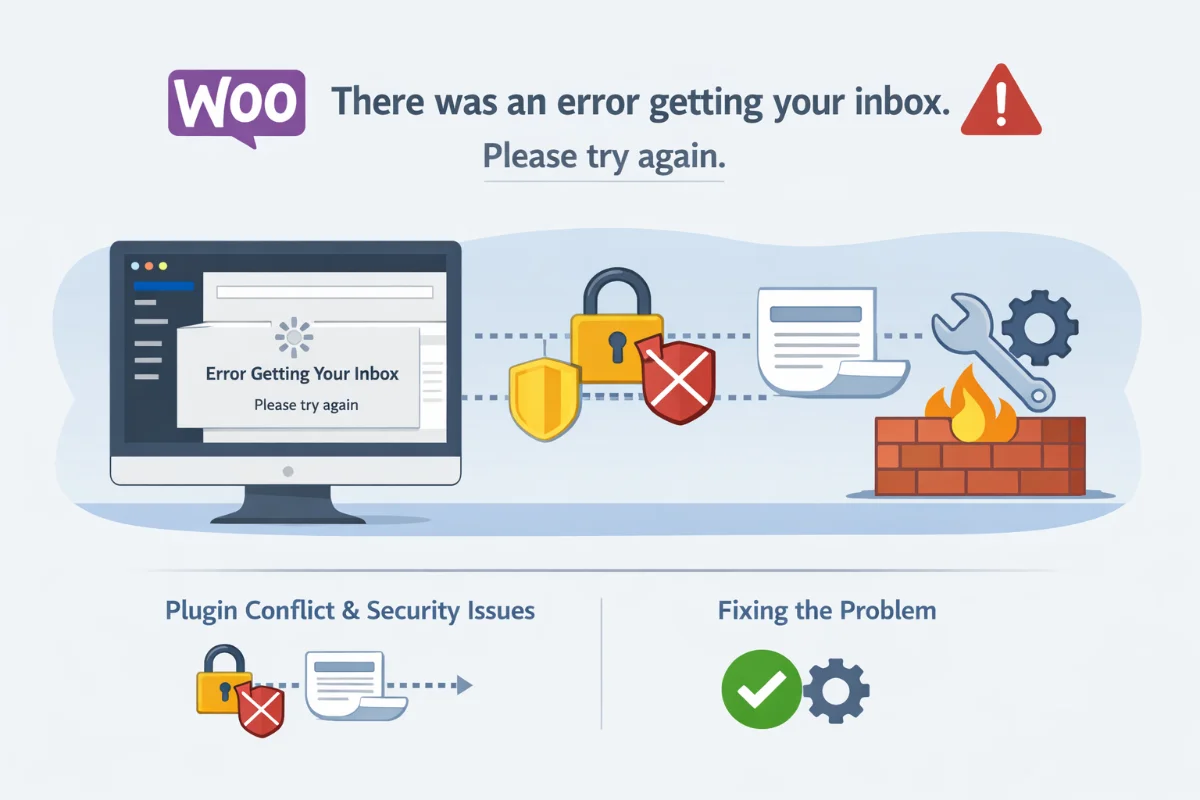
After updating WooCommerce on one of our client's eCommerce websites, we encountered an issue that caused several WooCommerce admin pages to stop loading correctly. The problem appeared on the WooCommerce dashboard and analytics pages and prevented order data from loading.
The message displayed was:
"There was an error getting your inbox. Please try again."
This error typically appears within the WooCommerce Admin interface and can prevent the dashboard, analytics reports, and order activity notifications from loading properly.
In this article, we explain what causes this WooCommerce error and how we resolved it without disabling critical security features.
What Causes the WooCommerce “Error Getting Your Inbox” Message?
The "There was an error getting your inbox" message usually occurs when WooCommerce Admin cannot properly communicate with the WordPress REST API or when another plugin interferes with its requests.
Common causes include:
- Plugin conflicts
- Security plugins blocking REST API requests
- WooCommerce Admin feature conflicts
- Server firewall restrictions
- WordPress REST API errors
- Improper caching or optimization settings
In our case, the issue was caused by a security plugin configuration.
Identifying the Plugin Conflict
After investigating the problem, we discovered that the issue was caused by a conflict with the iThemes Security plugin.
Specifically, a setting within the plugin's System Tweaks section was interfering with requests made by WooCommerce Admin.
These requests are used to retrieve dashboard notifications, analytics information, and activity updates displayed in the WooCommerce inbox.
Fortunately, the plugin did not need to be disabled completely.
How to Fix “There Was an Error Getting Your Inbox” in WooCommerce
Follow these steps to resolve the issue.
Step 1: Open iThemes Security Settings
Navigate to:
Security → Settings → System Tweaks
Step 2: Locate the Long URL Protection Setting
Within the System Tweaks section, locate the setting responsible for filtering or blocking unusually long URLs.
Step 3: Disable the Setting
Uncheck the option that filters long URLs.
Step 4: Save the Settings
Save the settings and refresh the WooCommerce dashboard.
The WooCommerce inbox and analytics data should begin loading normally again.
Additional Troubleshooting Steps
If the problem persists, try the following troubleshooting methods.
Check WooCommerce Admin Feature
The WooCommerce inbox and analytics rely on the WooCommerce Admin feature. If it becomes corrupted or disabled incorrectly, it can cause this error.
Try reinstalling or updating WooCommerce to ensure the feature loads correctly.
Check REST API Functionality
WooCommerce Admin uses the WordPress REST API to retrieve dashboard data. If the REST API is blocked by security rules or server configuration, the inbox cannot load.
You can test REST API functionality by visiting:
/wp-json/If the page returns JSON data, the API is functioning correctly.
Disable Conflicting Plugins Temporarily
If you cannot identify the source of the conflict, temporarily disable other plugins to determine whether another plugin is blocking WooCommerce requests.
Security, firewall, and caching plugins are the most common causes.
Recommended Long-Term Solution
While disabling the conflicting iThemes Security setting resolves the issue, an ideal solution would involve compatibility updates between WooCommerce and security plugins.
Security plugins often block suspicious requests for protection, but WooCommerce Admin relies on REST API calls that can sometimes resemble automated requests.
We recommend monitoring updates from both WooCommerce and iThemes Security to ensure future compatibility improvements.
Frequently Asked Questions
Why does WooCommerce show “There was an error getting your inbox”?
This WooCommerce error typically occurs when the WooCommerce Admin dashboard cannot communicate with the WordPress REST API. Plugin conflicts, security settings, caching plugins, or firewall restrictions can block the requests required to retrieve inbox notifications and analytics data.
Does iThemes Security cause WooCommerce inbox errors?
Certain iThemes Security settings can interfere with WooCommerce Admin requests. Specifically, URL filtering settings inside the System Tweaks section may block requests used to retrieve WooCommerce dashboard notifications and analytics information.
Do I need to disable iThemes Security to fix this WooCommerce error?
No. In most cases, you only need to disable the specific System Tweaks setting that filters long URLs. This allows WooCommerce requests to function normally without disabling the entire security plugin.